Save Your Wallpaper
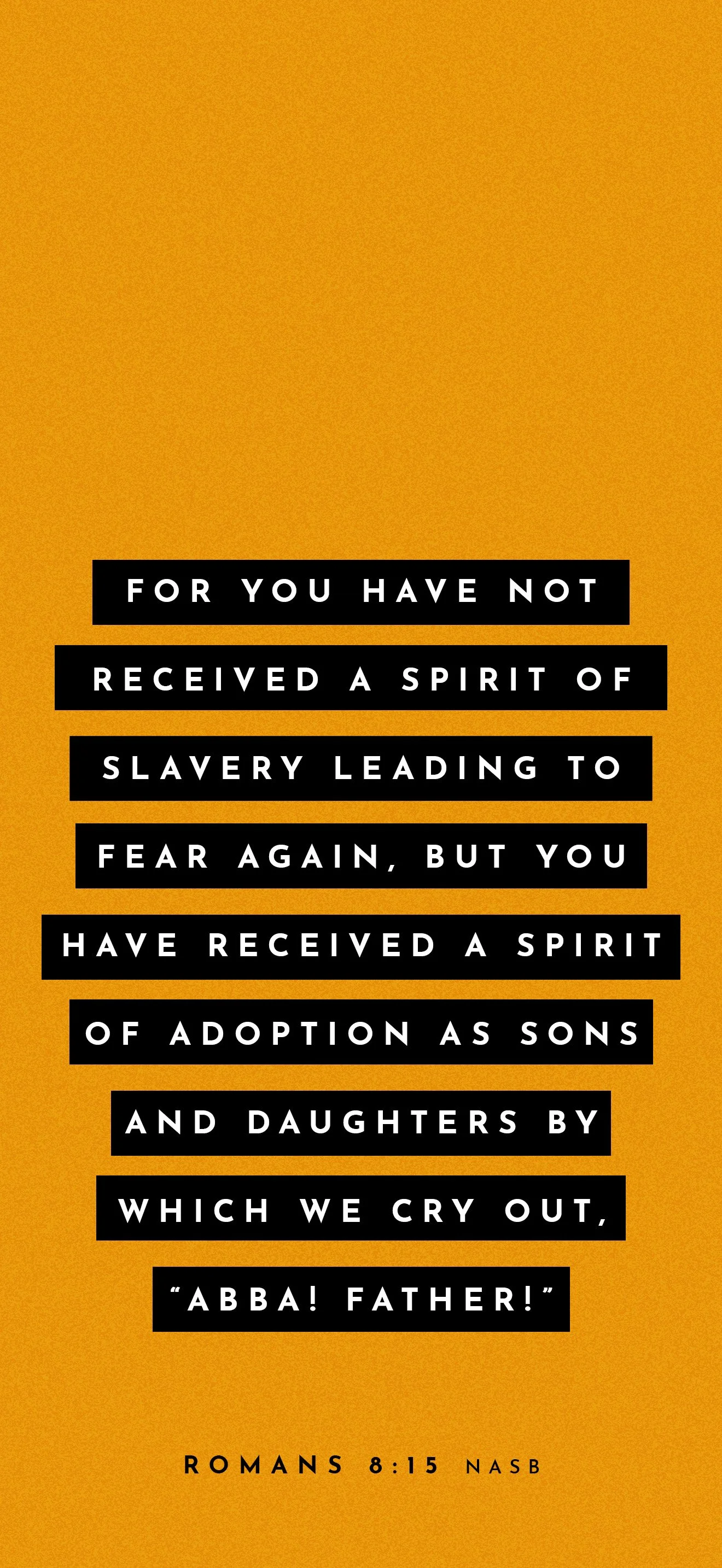
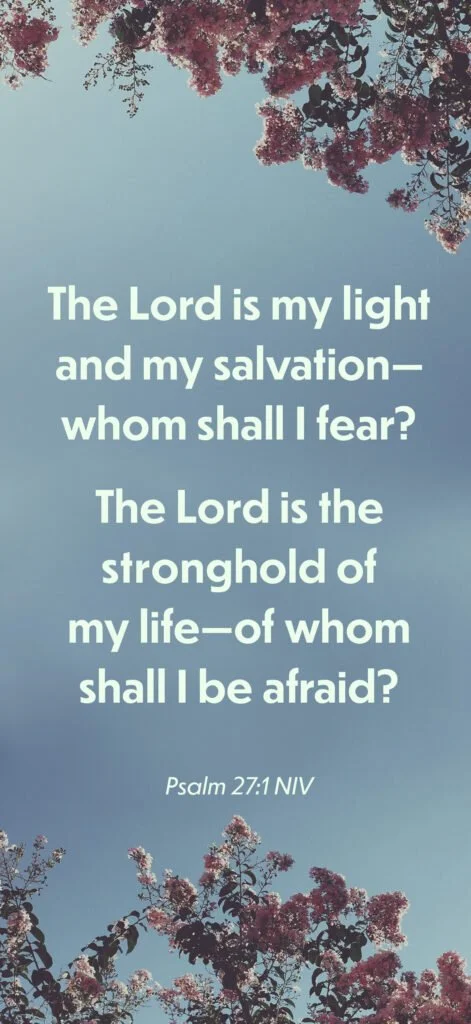
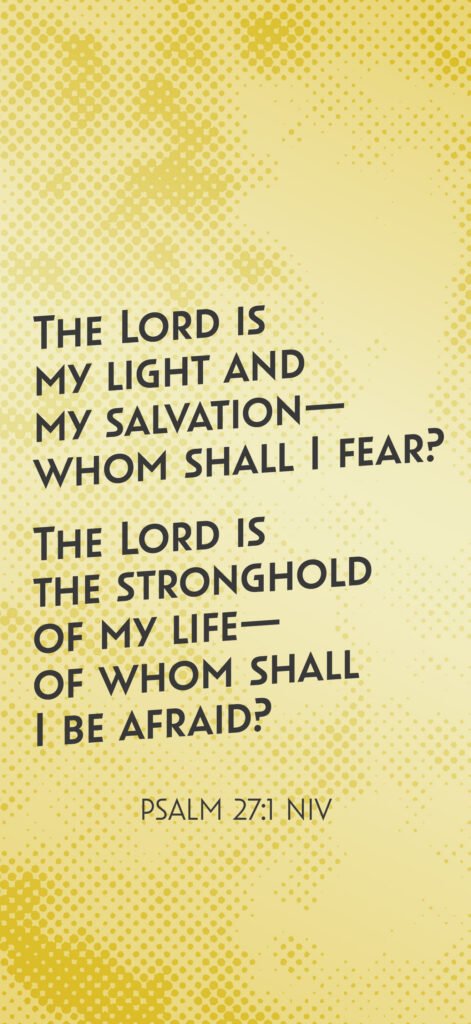
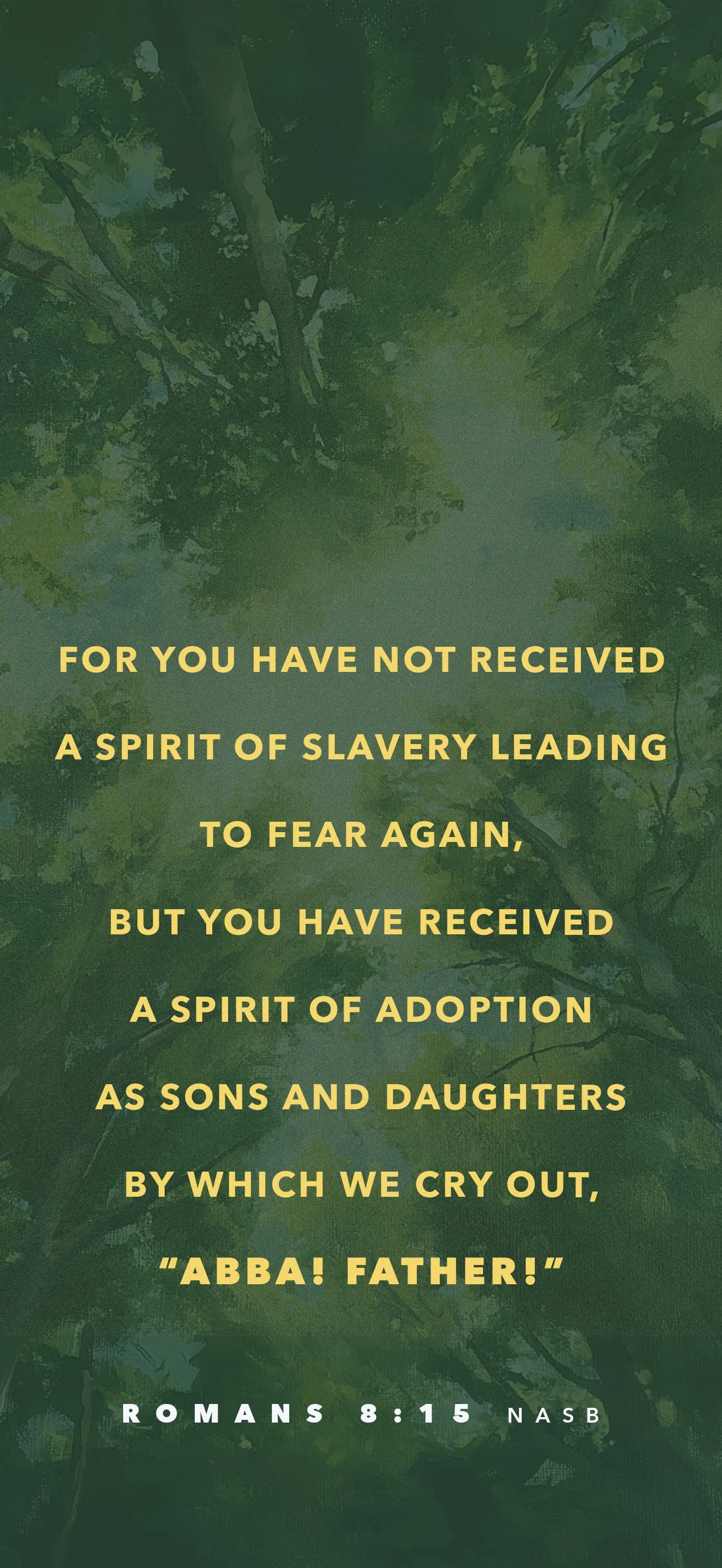
Choose an image below and save it to your smartphone as a lock screen wallpaper.
iPhone Tap and hold the image, then choose Save to Photos. Open the Photos app, tap the image, then tap the Share button and select Use as Wallpaper. Adjust the position, tap Done, then choose Set as Wallpaper Pair.
Android Tap and hold the image, then choose Download image. Open Google Photos or Gallery, tap the image, tap the three-dot menu, and select Use as or Set as wallpaper. Choose Lock screen and tap Set wallpaper.